The ways we stay connected as digital nomads
During this holiday season and throughout the year staying connected with family, friends, and professional contacts is important to us. The way we communicate with others has definitely changed being on the road. Here are the top 5 ways we do it:
1. How to stay connected through video:
We like seeing our friends and family even when it’s not in person here are some of the technologies we use and what we like and dislike about them:
This is Onalea’s favorite way to do video. We enjoy talking to friends and family through Facebook video call. It is our go to method when everyone wants to be on the phone. It is a quick and casual method with the biggest downside being that you have to login to Facebook. I know 80% of adults have Facebook but the app is so bulky and intrusive Michael avoids putting on his computer.


Zoom
This is our go to business/formal meeting. With Zoom you the ability to screen share, show a whiteboard and provide a multiple suite of business tools. The major con of this is it is designed for business and comes with a cost. You can connect via one on one at no charge or have multiple participants but only for 40 minutes before you are prompted to upgrade your account.
Discord
This is Michael’s favorite app to communicate through, it is free and not near as intrusive as Facebook. The ability to change name and join different groups offers privacy when necessary. Discord is mobile and computer friendly, however it is lacking some of the business tools zoom offers and does not have near the number of users as Facebook. It currently is used more for gaming but slowly coming into the mainstream with non-gamers.

2. How to stay connected through text:
Most of our communication now is text messages, whether it is via the phone or computer, text messages are our preferred method of random communication.
Email is a major form of communication, and every person out there should strongly consider getting a real email address. What do I mean about a real email address? Michael’s is blog@ourworkingvacation.com. Onalea’s is help@evertwebsite.com. The pros are your data is not being sold. Your email is transportable. It also allows you to quickly portray you are tech savvy, people judge you by your email address. The biggest con is these do cost between 3 to 15 dollars a month depending on your plan.

Slack
This is an amazing business chat, Michael has used teams, AOL (yes, he is old), and other company-built apps, but Slack by far is his favorite. If you are lucky enough to work for a company that uses Slack you know how nice it is. Slack is now offering a new voice/video program which I have not used yet. If you have it please let comment and let us know how you like it.
Discord, yes again
Discord is a free app that works great for chat and video. You can quickly create rooms, join others and toggle between multiple conversations. It also works well both on a computer and phone. While more popular with gamers it is starting to make its way into the mainstream.
Facebook messenger
Michael refuses to use Facebook on the computer because the amount of content it gathers but he does use it on his phone. Onalea does have it installed on her computer to help run the business as it is a necessary evil to have.
SMS text through phone number
So, sending text message through your phone is out of date much like phone numbers. A phone number is like an IP address a series of numbers that no one can remember. In addition, 90% of calls/text that come through on number are telemarketers or scams. While the phone companies have done at best a half ass job of screening those, apps have been built from the ground up with AI that filters out all the junk.
3. How to stay connected through apps:
There are so many apps out there some of which allow some form of communication. A few we use are:
Fitbit
Using a fitness app with others helps you keep motivated. With Fitbit there are challenges you can set up with others and there is a chat function within them.


Pokémon Go
This is a favorite for both of us! There is not a direct chat function, but you add people as friends and are able to send them gifts and they send you gifts back. If anyone wants to add us as a friend on Pokémon Go, please do! Onalea’s trainer code is 055772479666 and Michael’s is 038072896726, he is not on as much as Onalea.
Snapchat
With is app you can share a photo, selfies and send a quick message. Snapchat is easy to use and there are some funny filters for your selfies!

4. How to stay connected through voice:
Any of the video ways above but turn off the camera or a simple phone call.
5. Other ways to stay connected:
Sometimes you may want to communicate, but not by a phone or computer here are some options for that:
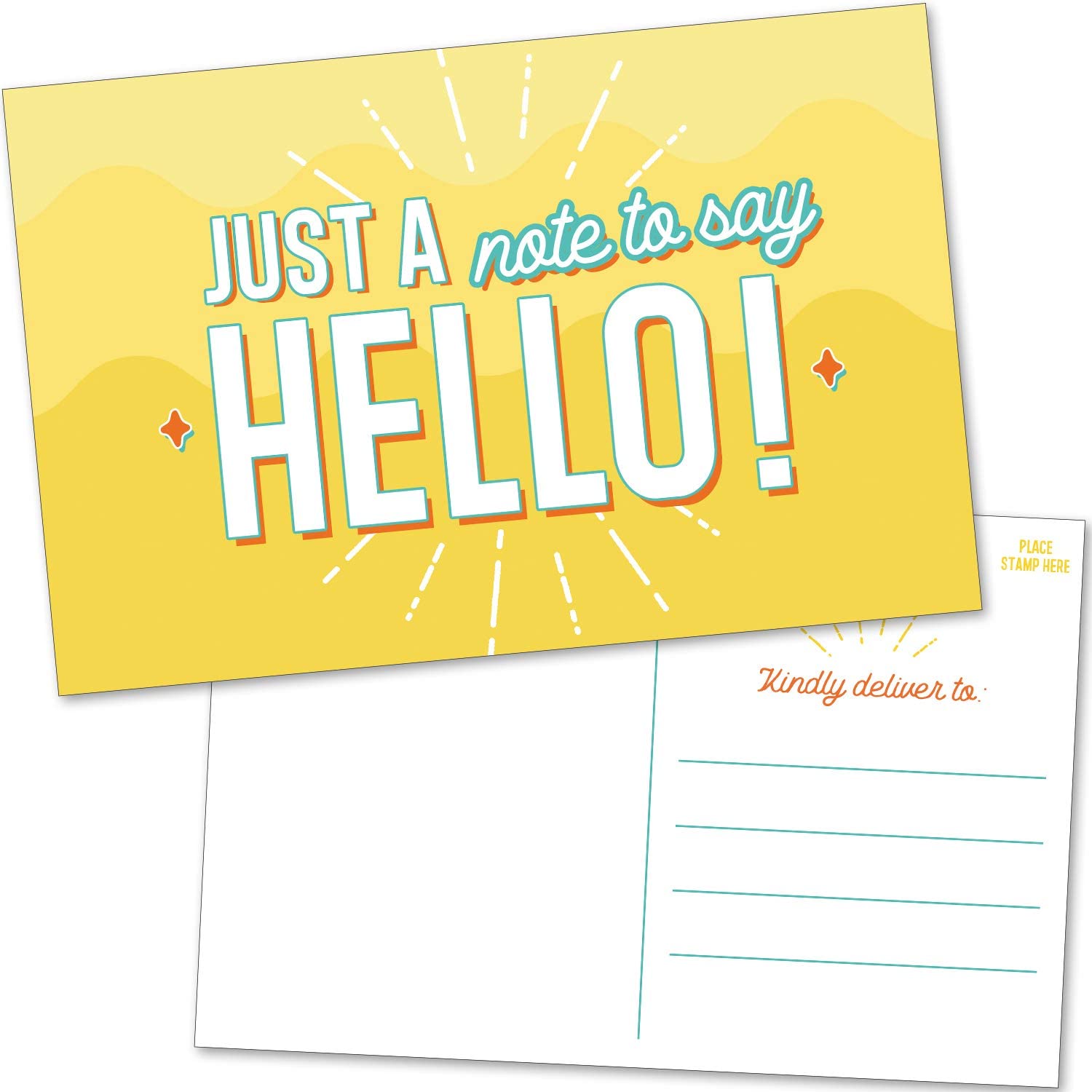
Postcards
Even though snail mail is way old school it still has an eclectic charm. Onalea loves to send out postcards, people really enjoy receiving snail mail from our current location. If you would like to receive a postcard, please contact us with your address to let us know we can add you to the list.
In-Person
When we are somewhere that we have family and/or friends we see what we can do to meet up with them. We’ve had a lot of fun to catching up with people we know or getting to know some family better. If you are interested in seeing us if we are in your area, please contact us. If you are visiting an area we are in please let us know if you want to meet up. Also, anyone that wants to join us on any leg of our journey let us know.